
Rytr: How Many Words Is 10,000 Characters?
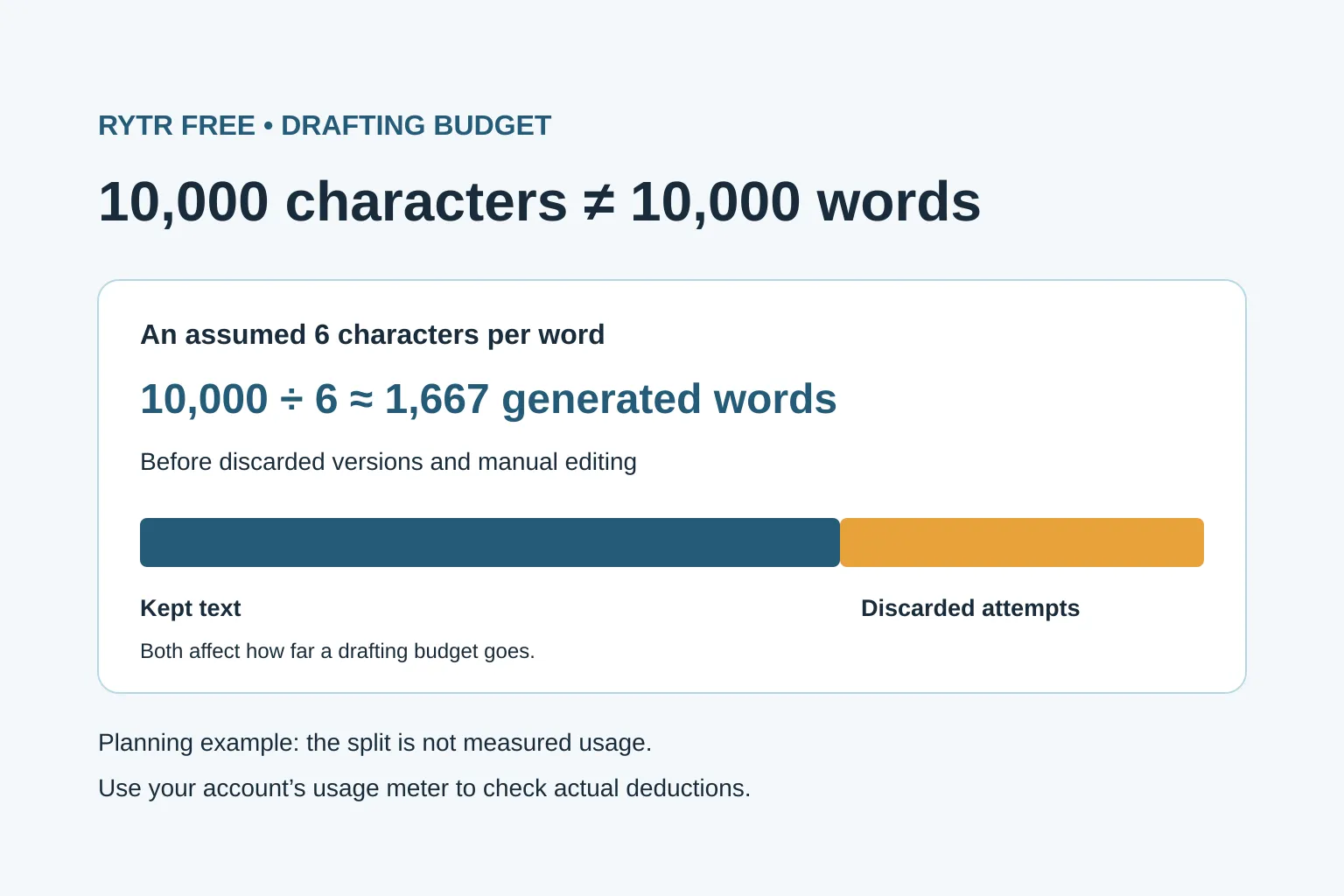
Rytr’s 10,000 characters are roughly 1,400–2,000 words if you assume five to seven characters per word, including spaces and punctuation. That’s a planning estimate, not a word allowance promised by Rytr—and it isn’t a guarantee of one finished article. For a useful budget, measure the allowance used by each attempt and the text you actually keep.
How many words is Rytr’s 10,000-character allowance?
Rytr’s pricing page lists 10,000 characters per month on Free, checked 16 November 2026. It does not give a fixed equivalent in words. Letters, spaces and punctuation contribute to a character count, but the counting method matters: one visible symbol can contain several Unicode code points.
To estimate words, divide the character allowance by an assumed average number of characters per word:
| Assumed characters per word, including spaces | Calculation | Approximate words |
|---|---|---|
| 5 | 10,000 ÷ 5 | 2,000 |
| 6 | 10,000 ÷ 6 | 1,667 |
| 7 | 10,000 ÷ 7 | 1,429 |
These are arithmetic scenarios, not measured averages or Rytr billing rules. Longer words, punctuation and formatting change the result. Don’t use this English-language planning range as a conversion for every language.
Here’s a small example you can count:
Check the current price before choosing a paid writing tool.
That sentence has 10 words and 60 characters, counting its spaces and final full stop. It therefore has six characters per word. If every sentence had exactly that ratio, 10,000 characters would represent about 1,667 words.
For a more relevant estimate, paste your own writing into Quillora’s free character and word counter, or use a word processor’s word and character counts. Choose the character count that includes spaces, then divide it by the word count to find your sample’s ratio.
Quillora’s counter counts Unicode code points, including spaces, punctuation, tabs and line breaks; it normalizes line endings to a single newline. An emoji or a letter with a combining accent can contain multiple code points, so visible symbols and counted characters are not always the same. These local sample counts are not verified Rytr quota deductions. Check your Rytr account’s usage meter for actual allowance consumed.
Count discarded attempts, not just the final draft
A generated paragraph you replace may still have used part of your allowance. Your finished document can therefore be much shorter than all the text you asked the tool to produce. Deleting an unwanted passage from the document is not a reason to assume its usage has been refunded.
Say you’re preparing a buying-guide section for an affiliate site. You have already collected the product facts and want help turning your notes into readable prose. In this invented example, the starting allowance is 10,000 characters and the deductions below are fictional, not measurements from a Rytr test:
| Action | Fictional allowance used | What you keep |
|---|---|---|
| First draft | 3,000 characters | Discarded |
| Second draft | 3,000 characters | 3,000 characters |
| Extra section | 2,000 characters | 2,000 characters |
| Total | 8,000 characters | 5,000 characters |
You have 2,000 characters of allowance left, but only 5,000 characters of text kept. At the assumed six-character ratio, that kept text is about 833 words before manual editing. The fictional deductions and kept-text counts happen to match for each accepted output in this example; check them separately in your own account.
The practical lesson is to track two totals: allowance consumed and useful text retained. Neither tells you whether the facts are right.
Measure one task before planning a whole month
Run a small trial with the kind of work you actually need:
- Record the remaining allowance shown in your account before generating anything.
- Ask for one short section from your sourced notes. Record the allowance afterward and subtract it from the starting figure.
- Count the words and characters in the output. Save the number of words you keep after editing.
- Repeat once with a rewrite or an alternative version. Check its deduction separately rather than assuming it is free.
- Record the combined allowance used and the final words kept.
Print a blank trial record
Print this blank record from your browser’s Print menu, or save it as PDF. Use one copy per attempt, including rewrites.
| Trial field | Your record |
|---|---|
| Task label | __________________ |
| Allowance before (characters) | __________________ |
| Allowance after (characters) | __________________ |
| Calculated difference (characters) | __________________ |
| Final words kept | __________________ |
To open Print, use Ctrl+P on Windows or Command+P on Mac; on a phone, look in the browser or Share menu. Select the record’s page or pages in the print preview. If your paper size or scale splits the table, reduce the scale until all five fields fit on one page.
Copy allowance before and allowance after from the provider’s remaining-allowance meter around the attempt. Calculate difference = before − after. If the balance resets or increases during the trial, repeat with comparable readings rather than treating a negative difference as usage.
After editing, count the final words retained from that attempt; enter zero for a discarded draft. When combining records, count each retained passage only once. Local sample character and word counts describe your text, not provider billing: don’t infer whether prompts, editor actions or other text are charged from those counts. Use actual provider-meter observations for the allowance difference.
For optional arithmetic, open Quillora’s provider-balance trial calculator. Enter the remaining character balances before and after the trial, plus the final words kept. It calculates before minus after and, with nonzero kept words, usage per kept word. These results are arithmetic on your observations—not local text counts, verified provider billing or a forecast. The link opens empty; clear the trial data or leave the page to discard your entries.
If two similar trials each consume 2,500 characters, a 10,000-character allowance would cover four such trials by arithmetic. It would not necessarily cover four articles: each trial may only produce one section, and later attempts may use more. Leave room for revision instead of budgeting every character for first drafts.
Use the free allowance where it saves you work
For a beginner affiliate site, a short introduction, a clearer explanation of a product limitation, or a rewrite of your own comparison notes is a manageable trial. A complete buying guide with repeated full-length drafts is harder to budget.
To make the trial useful:
- Give the tool verified notes before asking for prose. A larger allowance doesn’t supply missing product evidence.
- Rewrite a weak section rather than regenerating the whole document.
- Compare the editing time saved with the time spent prompting and checking. More generated text isn’t automatically more useful work.
Google’s guidance on generative AI content calls for manual fact-checking and review before publication. For affiliate content, check prices, plan restrictions and product claims against current sources, and don’t turn a generated description into a claim that you tested a product.
If your useful tasks fit within Free, keep using it. If they repeatedly exceed the allowance, first decide whether fewer retries or some manual drafting would solve the problem.
Before paying, compare ChatGPT Free with Rytr to inspect a conversational drafting alternative: give it your sourced notes and ask for a passage or revision. OpenAI’s Free Tier FAQ, checked 18 November 2026, describes separate tool limits and in-product limit notices; limits can change. This is not an equivalent to Rytr’s 10,000-character allowance or a tested output-quality recommendation. Check the facts and edit either draft.
Before investigating a paid plan, read Quillora’s Rytr comparison for costs, restrictions and who it doesn’t suit; reaching the limit alone isn’t a reason to subscribe.
Quillora’s free guide to deciding between free and paid content tools shows how to separate a drafting limit from a research need. Use it when you can name the task and the allowance you need, rather than choosing a subscription by a supposed number of finished articles.